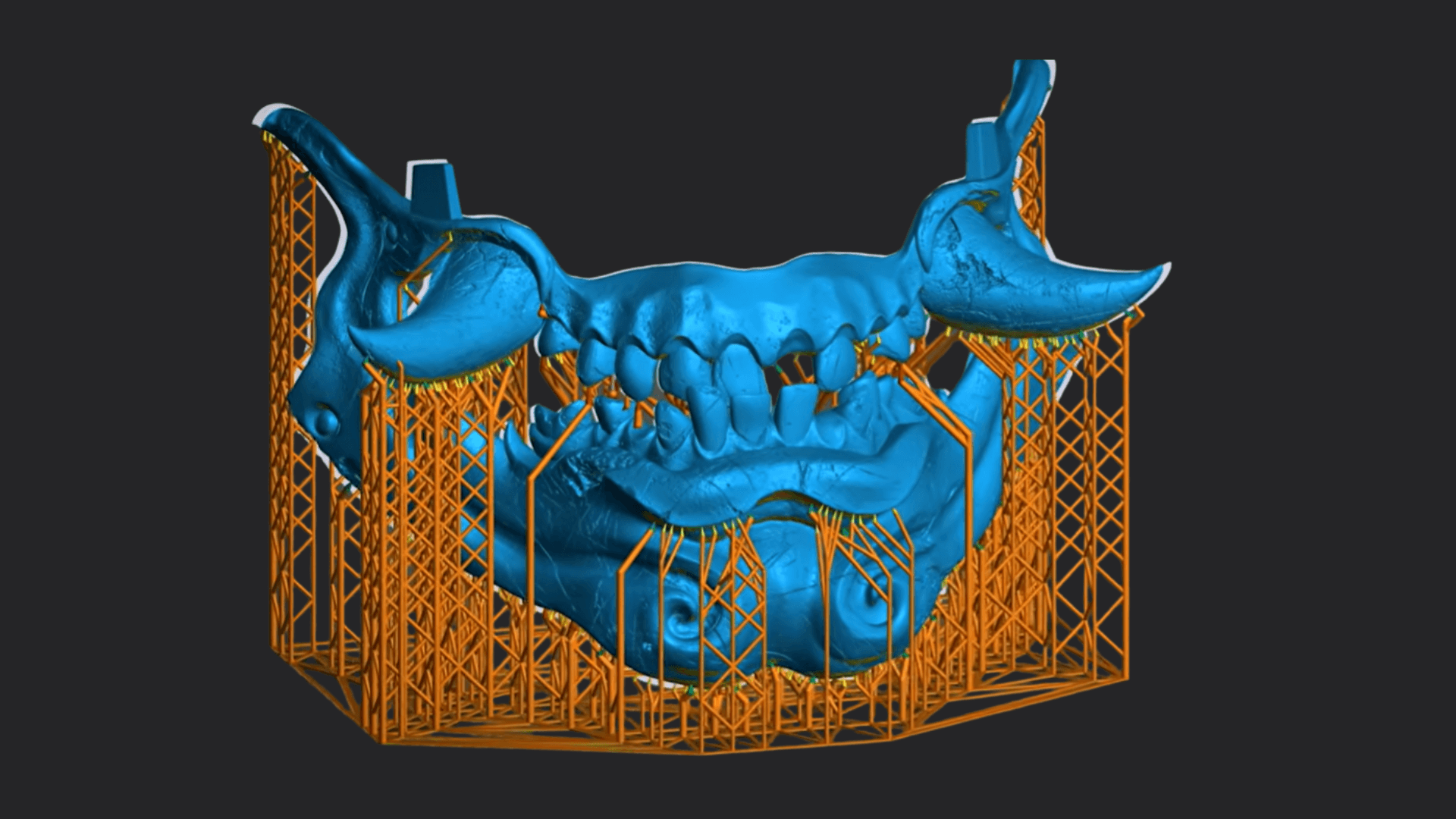
Auto Supports Presets - Lychee Slicer (Download)
Welcome to the future of resin printing! The most requested feature in Lychee Slicer Plus (and 3D printing) is now available. Get perfect supports in 3 clicks: Download → Import → Generate.
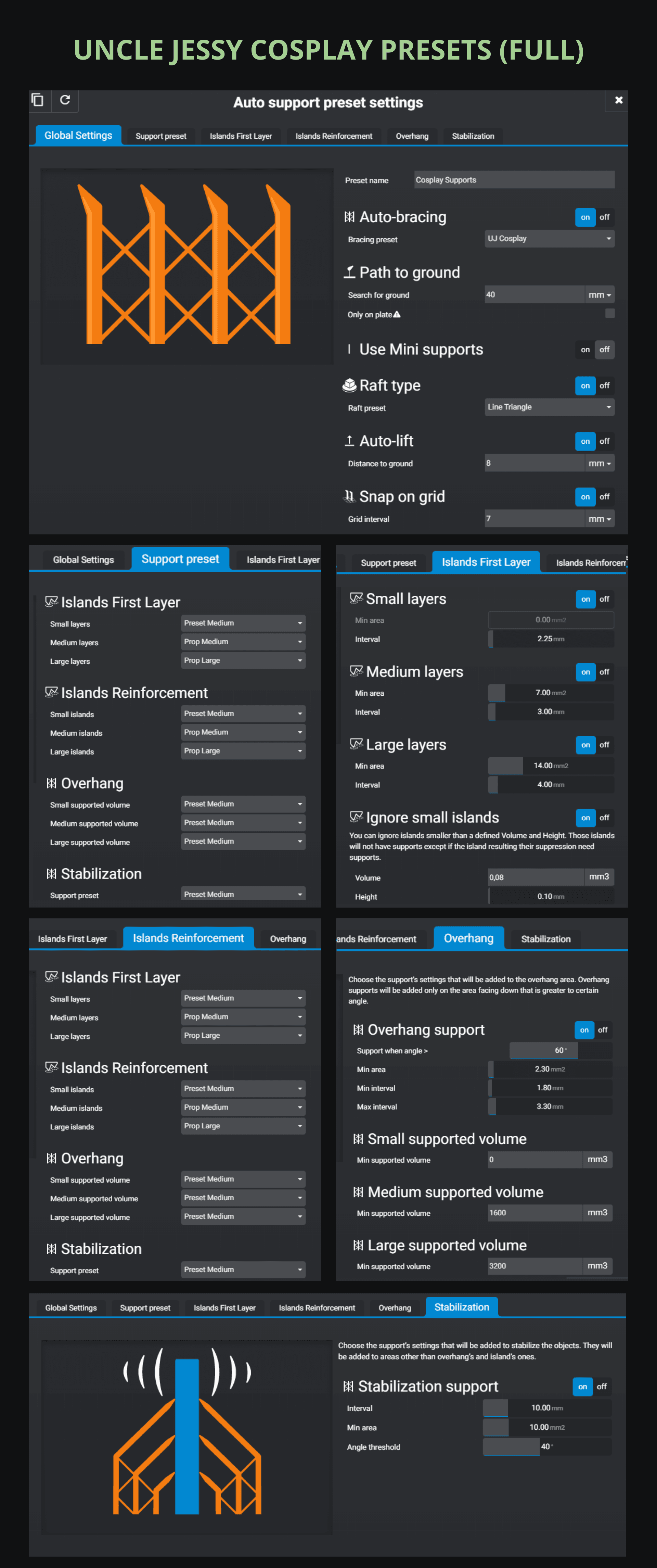
👋 Coming from Uncle Jessy's video? You're in the right place! Scroll down to download his presets.
Auto Supports is an intelligent system that analyzes your 3D model and automatically places supports at strategic locations. Yes, you can configure your own presets, but it can be complicated when you’re just starting out. So we did the work for you: expert-ready presets. Our 3D-printing expert Derek created them with the Lychee team, and the one and only Uncle Jessy also tested them so you can feel confident in all your future projects.
Uncle Jessy's Presets
By the #1 resin printing YouTuber (after Derek in our hearts 💜).
Lychee and Derek's Certified Presets
By our in-house 3D expert Derek and certified by the Lychee team. Tested on hundreds of prints.
Choose 35 mm for: D&D figurines, Warhammer, board-game heroes, and standard gaming miniatures. Choose 75 mm for: busts, large figurines, display pieces, and models 7–10 cm tall.
💡 Lychee Tip: For tabletop miniatures, those presets are calibrated for standard gaming scales. The 35mm preset works perfectly for most D&D figures or bases, while the 75mm preset handles larger display pieces with extra reinforcement.
How It Works (30 Seconds)
Get your presets in Lychee Slicer in under a minute.
- Download: Click the download link above. The preset file saves to your computer.
- Open Lychee Slicer
- Import Your Preset: Choose the downloaded preset file. Go "Prepare" → "Support" → And under "Auto" click on 'Import'. If your model is ready (orientate and hollow) you click on "Generate"
⚠️ Important: Auto Supports is a Lychee Plus exclusive feature. You'll need a Plus subscription to use these presets. Don't have Lychee Plus yet? See pricing below.